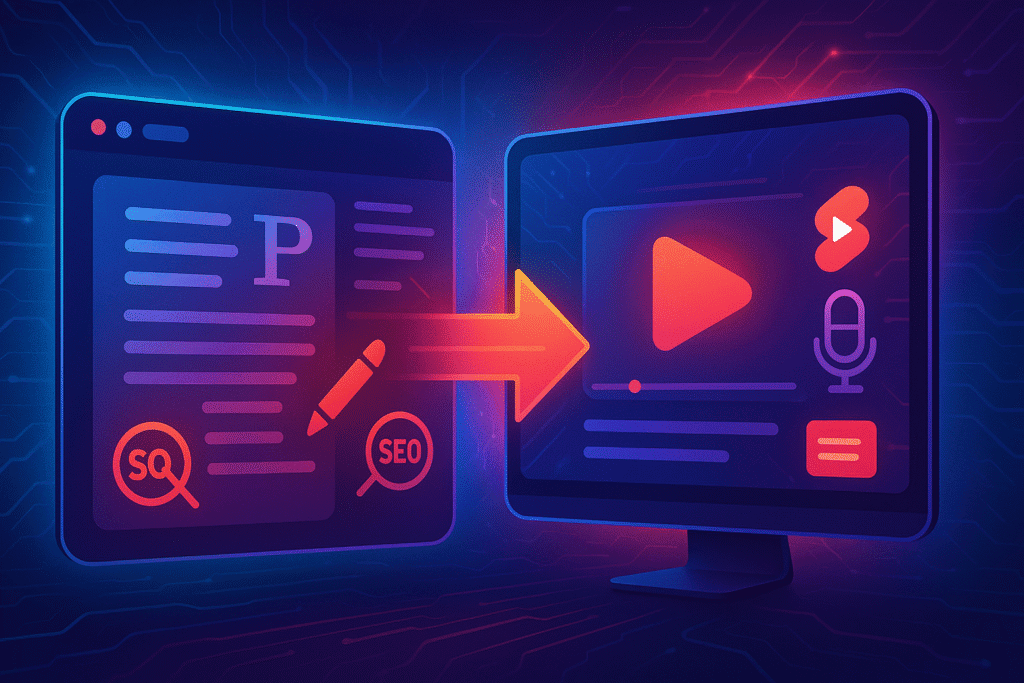
A year ago I would have told you that building a faceless YouTube channel with AI meant choosing between two bad options.. Either you spent money you did not have hiring writers and editors, or you spent every free hour for six months teaching yourself to do all of it alone. Most people quit somewhere in the second month.
That math has changed. Not because AI magically makes you successful, but because it removes the boring, repetitive parts of the job that used to burn people out before they ever found their footing. I have spent the last stretch building and testing faceless channels using nothing but the AI stack I review here on Tubernetic, and I want to walk you through the whole thing. Not theory. The actual order I do things in, the tools I reach for at each step, and the parts nobody warns you about.
Let me start with the question that is probably already in your head.
Can a Faceless YouTube Channel With AI Get Monetized in 2026?
This is the fear stopping most people, so I am putting it first instead of burying it at the bottom.
The short answer is yes, but the framing matters. YouTube did not ban AI. What it cracked down on is lazy, mass produced content that adds nothing. I wrote about this in detail when the rules shifted last summer (you can read my full breakdown of the YouTube policy update here), and the takeaway has not changed. The platform rewards content that feels intentional and punishes content that feels like a script ran overnight and spat out a hundred identical videos.
So here is the line you need to stay on the right side of. If your channel is one human curating, directing, and improving every video, AI is your assistant and you are fine. If your channel is a faucet pouring out the same template with a different keyword swapped in, you are the exact thing the policy was written to stop. Faceless does not mean effortless. It means your face is not on camera. Your judgment still has to be all over it.
With that settled, let me show you how I actually build one.

Step one: pick a niche you can survive, not just one that pays
Most guides tell you to chase high CPM niches like finance or tech. That advice is half right and it gets beginners killed.
Yes, the money per view is better in those spaces. But they are also brutally competitive, and worse, they require you to actually understand the subject. If you cannot tell when your AI script is confidently wrong about a stock or a software feature, you will publish nonsense, lose trust, and stall. The audience can smell a channel that does not know what it is talking about.
So my rule is simple. Pick the overlap between three things. A subject with real audience demand, a subject where the money is reasonable, and a subject you know enough about to catch mistakes. That third one is the filter everyone skips. A history channel, a personal finance explainer, a niche software tutorial library, a calm sleep story channel. These work because you can actually steer them.
Spend real time here. The niche is the one decision AI cannot make for you, and it is the one that decides everything downstream.
Step two: scripting, where the channel lives or dies
Here is the truth that took me too long to accept. On a faceless channel, the script is not part of the product. The script is the product. There is no charismatic face to carry a weak idea. The words do all the work.
I start in ChatGPT, but not the way most people do. I do not ask it to “write a video about X.” I feed it a structure first. The hook, the promise, the three or four beats I want to hit, the tone, the length. Then I let it draft inside those rails. A vague prompt gives you vague, generic writing. A structured prompt gives you something you can actually shape.
For the title and the hook, the first fifteen seconds that decide whether anyone stays, I move over to Copy.ai and generate a batch of options, then pick the one that makes me want to keep watching. And for finding what the audience is even searching for in the first place, I lean on TubeBuddy to surface topics with real demand instead of guessing.
But the most important part of this step is the last one, and no tool does it for you. You read the script out loud and you rewrite the parts that sound like a robot wrote them. Because a robot did. This pass is where a faceless channel earns its trust. Skip it and you sound like everyone else.
Step three: the voice that carries everything
On a faceless channel the voice is your personality. It is the closest thing you have to a face, so it is not a place to cut corners.
ElevenLabs is where I spend most of my time here, because the emotional range is the closest to human I have found. The trick is not just picking a voice, it is directing it. Where it pauses, where it leans in, where it slows down. A flat read of a great script still loses people.
When I want tighter control over pacing and emphasis on a specific line, I bring it into Murf.ai, which gives you finer handles on delivery. And when I am building a version of a video for another language audience, PlayHT handles the multilingual side so one piece of content can reach far past where it started.
A small thing that is actually a big thing. Pick one voice and stay with it. Consistency is how a faceless channel builds familiarity, and familiarity is how strangers slowly become subscribers.
Step four: editing without losing your weekend
This is the step that used to eat entire days. Now it is the easiest part.
I assemble the voice and visuals in CapCut because it is fast and it does not fight me. When I want an effect that would normally take real skill, a clean background removal or an AI generated visual, Runway ML handles it without a studio. And for syncing the voice cleanly and dropping in accurate captions, which genuinely improve watch time and accessibility, I use Descript.
One honest warning. The tools make it tempting to over edit. Flashy cuts every two seconds, effects piled on effects. Resist that. Clean and clear beats busy every single time, especially when the script and voice are doing the heavy lifting.
Step five: the thumbnail that earns the click
You can make the best video on the platform and still get zero views if the thumbnail does not earn the click. On a faceless channel you cannot rely on a recognizable face, so the design has to do more.
I block out the layout in Canva, then handle standout text and typography in Kittl AI because the type is usually what makes or breaks a faceless thumbnail. For cleaning up images and removing messy backgrounds fast, Magic Studio does the job. If you want to go deeper on keeping all of this visually consistent across your channel, I covered that whole process in my guide on YouTube channel branding with AI.
Make three thumbnails, not one. Then pick the one you would click on if it were not yours.
Step six: optimize and publish, then do it again
A finished video is not a published video. This last step is what separates a hobby from a channel.
For titles, tags, and the metadata that tells the algorithm what your video is, I use TubeBuddy and VidIQ together, because seeing the same data from two angles keeps me honest. To compare my titles and thumbnails against what is actually working in my niche, Morningfa.me is the one I trust.
Then comes the part most beginners ignore, which is reach. One video should not live in one place. I use Repurpose.io to turn a long video into Shorts automatically, Zapier to automate the uploading and backup steps so I am not clicking buttons all day, and Hootsuite to push the content out across other platforms where new viewers are waiting.
If you want to go further than the basics on getting the algorithm to actually notice you, I went deep on that in my post on AI YouTube optimization secrets.
The honest part nobody puts in these guides
Here is what I will not pretend. This workflow removes the grunt work. It does not remove the judgment, the taste, or the patience. You will still publish videos that flop. You will still spend the first months feeling like you are shouting into an empty room. The channels that win are not the ones with the best tools. They are the ones run by a person who kept showing up, kept improving the script, and kept caring about the viewer after the novelty wore off.
A faceless YouTube channel with AI gives you the leverage of a small team.. What you do with that leverage is still entirely on you.
Where to start today
If you read all of this and feel like there is too much, start with one thing. Pick your niche this week. Just that. Write down the overlap between what people want, what pays, and what you actually understand. Everything else in this guide is a tool you can learn in an afternoon once you know what you are building.
When you are ready to choose your stack, our full directory lets you compare more than fifty AI tools side by side so you can find the exact ones that fit your channel. Find your perfect AI tool here, and let us build a smarter channel together.