
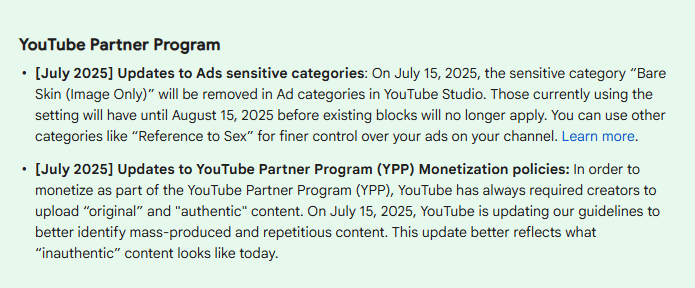
Learn how the YouTube Policy Update July 2025 โinauthentic contentโ rule can help AI creators improve their work instead of losing out.
Read ArticleEssential AI tools for YouTubers to grow faster.
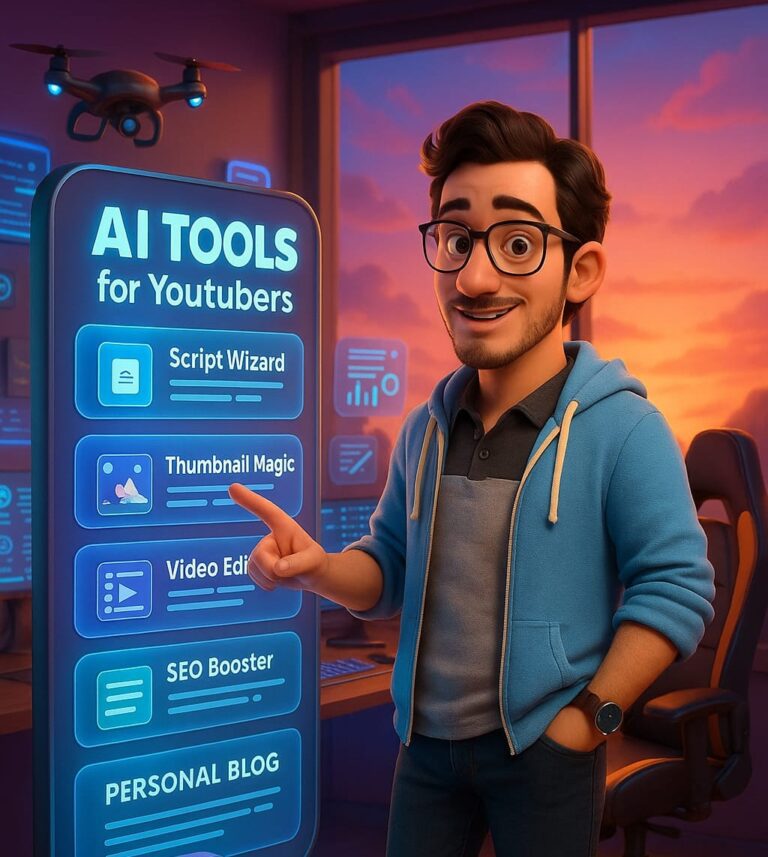
Your time is too valuable to waste on inefficient workflows. We find the AI tools that actually work. Our honest reviews and step-by-step guides are designed to help you automate your YouTube channel, get more views, and get back to creating great content. Let’s build a smarter channel, together.
What Do You Want to Automate?
Your AI-powered workflow starts here. Pick a category to find the top-rated tools that will save you hours of work.
Script Generation
Generate viral video ideas and complete scripts in minutes with AI writers trained for YouTube.

Voice & Narration
Create crisp, human-sounding narration in any style. Perfect for faceless channels and tutorials.
Video Editing
From auto-cutting silence to adding captions and B-roll, these tools do the tedious work for you.
Thumbnails & Graphics
Get AI-generated design ideas and create click-worthy graphics, even with zero design skills.

Channel Optimization
Find untapped keywords, optimize your titles, and analyze what’s working for your competitors.
Publishing & Automation
Automate posting to multiple platforms and build a consistent publishing schedule.
The Tubernetic Test Lab
Confused by all the AI options? We put the top tools to the test with in-depth reviews and comparisons designed to give your channel a creative edge.
The Underdog AI for Perfect YouTube Scripts: My QuillBot Workflow
Learn how I use QuillBot for YouTube scripts, descriptions, and social posts. A full review of features, free vs premium, and workflow tips for creators.
Read ArticleMy YouTube Comments Were Killing My Channel. Here’s How I Fixed It with AI.
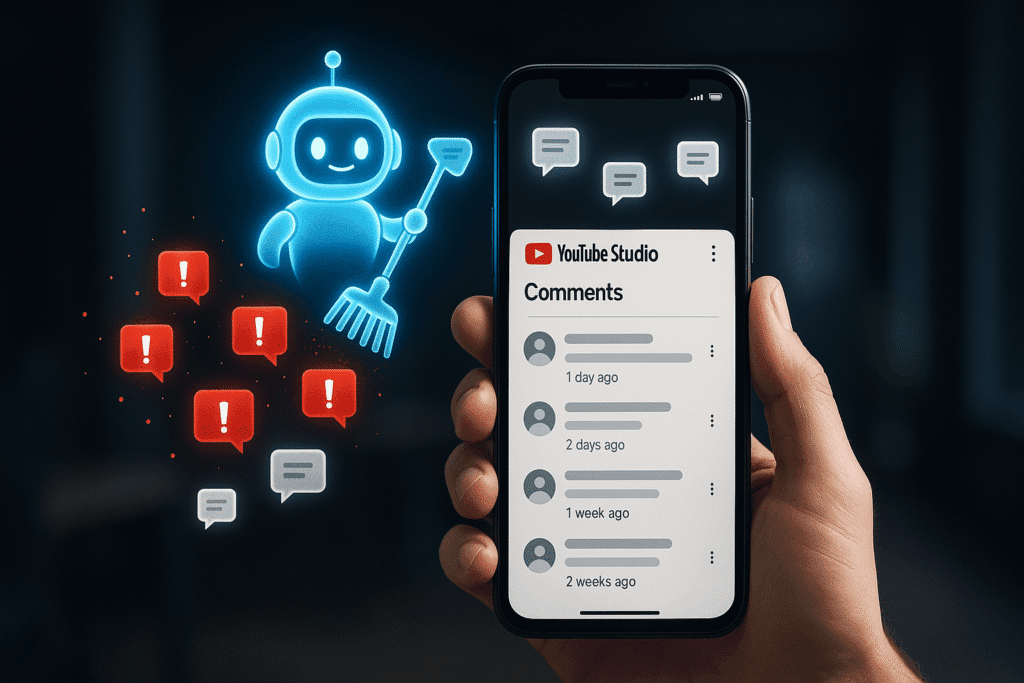
Feeling overwhelmed by YouTube comment management? Avoid creator burnout with this simple AI-powered workflow. Learn to moderate comments, analyze feedback, and reply fasterโin just 5 minutes a day.
Read ArticleMy Channel Looked a Mess. Hereโs How I Masteredย YouTube Channel Branding with AI.
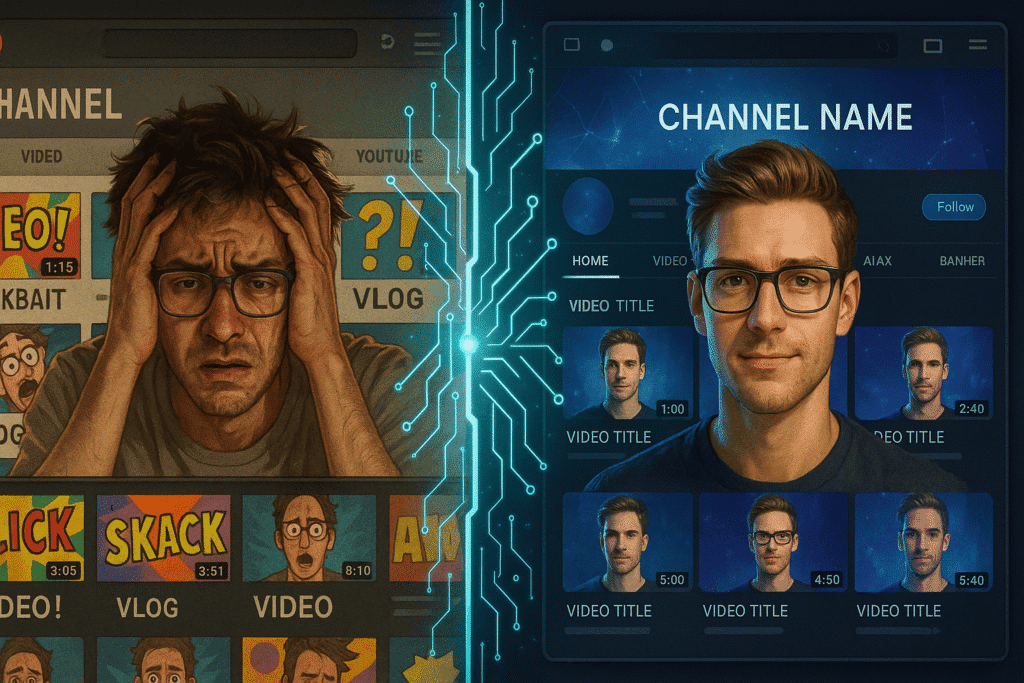
Stop your channel from looking inconsistent. This guide reveals how to master YouTube channel branding with AI. Learn to create a professional, consistent brand identity with AI design tools that build trust and get views.
Read ArticleAI YouTube Optimization Secrets: 5 Strategies Nobody Talks About

Tired of slow growth? Go beyond basic keywords and discover 5 powerful AI YouTube optimization secrets. Learn to analyze viewer behavior and master the signals that the algorithm actually rewards. Unlock real channel growth today.
Read ArticleI Tested 3 Tools on AI Viral Prediction. The Results Weren’t What I Expected.

Can AI tools truly predict viral videos? I tested VidIQ, Morningfame, and ChatGPT to find the truth. Learn the limits of AI viral prediction & discover 5 real strategies to create high-potential content.
Read ArticleYour AI-Powered YouTube Workflow
Follow this 6-step blueprint to automate your content creation, from initial idea to final upload. Hereโs how the pros combine top AI tools to work smarter, not harder.
Step 1: Planning & Scripting
- ๐ Brainstorm Viral Topics using TubeBuddyโs trending suggestions
- โ๏ธ Generate the video script in ChatGPT using structured prompts
- ๐ง Refine & Create catchy video titles with Copy.ai
Step 2: Narrate the Voice
- ๐ค Create expressive, realistic narration with ElevenLabs.
- ๐๏ธ Add emphasis & Fine-tune pacing using Murf.ai
- ๐ Go global with multilingual voices from Play.ht
Step 3: Edit the Video
- ๐ผ๏ธ Stitch voice and visuals in CapCut
- ๐ฅ Add AI effects or remove backgrounds with Runway ML
- ๐ Sync voice and add captions in Descript
Step 4: Design the Thumbnail
- ๐จ Use Canva templates for thumbnail layout
- ๐ Design standout text with Kittl AI
- ๐งฝ Remove messy backgrounds using Magic Studio
Step 5: Optimize the Video
- ๐ Get keyword-rich titles & tags from TubeBuddy
- ๐ Track performance & trends with VidIQ
- โ๏ธ Optimize titles and thumbnails using Morningfa.me
Step 6: Automate Publishing
- ๐ Turn full videos into Shorts with Repurpose.io
- โ๏ธ Automate uploads & backups via Zapier
- ๐ Promote across platforms with Hootsuite
Your Perfect AI Tool is Waiting
Our interactive directory lets you instantly compare over 50+ AI tools. Filter by price, features, and use-case to find the exact solution for your channel’s needs.
The Community Verdict
We’ve curated real, unfiltered feedback from creators across the web so you can see what the community is saying about today’s top AI tools.
โElevenLabs has the most realistic AI voices Iโve ever used โ emotional tone is ๐ฅ.โ
โ Product Hunt UserโRunway ML made background removal feel like magic. I use it in every video now.โ
โ Comment on RedditโI got 3x more views after optimizing my titles with TubeBuddy. Game changer.โ
โ YouTube Creator ForumโCopy.ai helps me brainstorm catchy intros faster than I could ever write manually.โ
โ Twitter UserDon't Miss Out: Get Your FREE AI YouTube Creator Stack
Instantly get FREE AI YouTube Creator Stack with bonus 100+ ChatGPT prompts tailored for YouTube creators. Plus, get weekly insights on the latest AI tools delivered straight to your inbox. The world of AI changes fast. Our newsletter keeps you updated on the best new tools, shares practical tips for integrating AI into your workflow, and helps you stay informed so you can always make the smartest decisions for your channel. Your FREE AI YouTube Creator Stack is just the start!